Tera MCP
Point Your AI at the Global Power Grid
Connect Claude, ChatGPT or any MCP client directly to Tera's database of power assets, companies and people. Your assistant asks the questions, and Tera returns records with their sources attached.
A general-purpose model answers power-market questions from the web: fluent, shallow, often wrong. Tera resolves 1,619,929 assets and 122,208 companies from multiple authoritative sources, corroborated against each other and linked to the people and companies behind them.
How It Works
Three Steps, No Integration Project
Tera MCP is a Model Context Protocol endpoint. You add it to the AI client your team already uses, so there is no new interface to learn and no seats to migrate. Tera hosts no chat interface: the model is yours, the data is ours.
- 01
Get your key
A verified company gets a key from its account in minutes, with 5,000 free credits a month on Free, 10,000 on Pro and 100,000 per user on Team. A Free key returns what the Free plan shows: no owners, development stages or estimates.
- 02
Add the connector
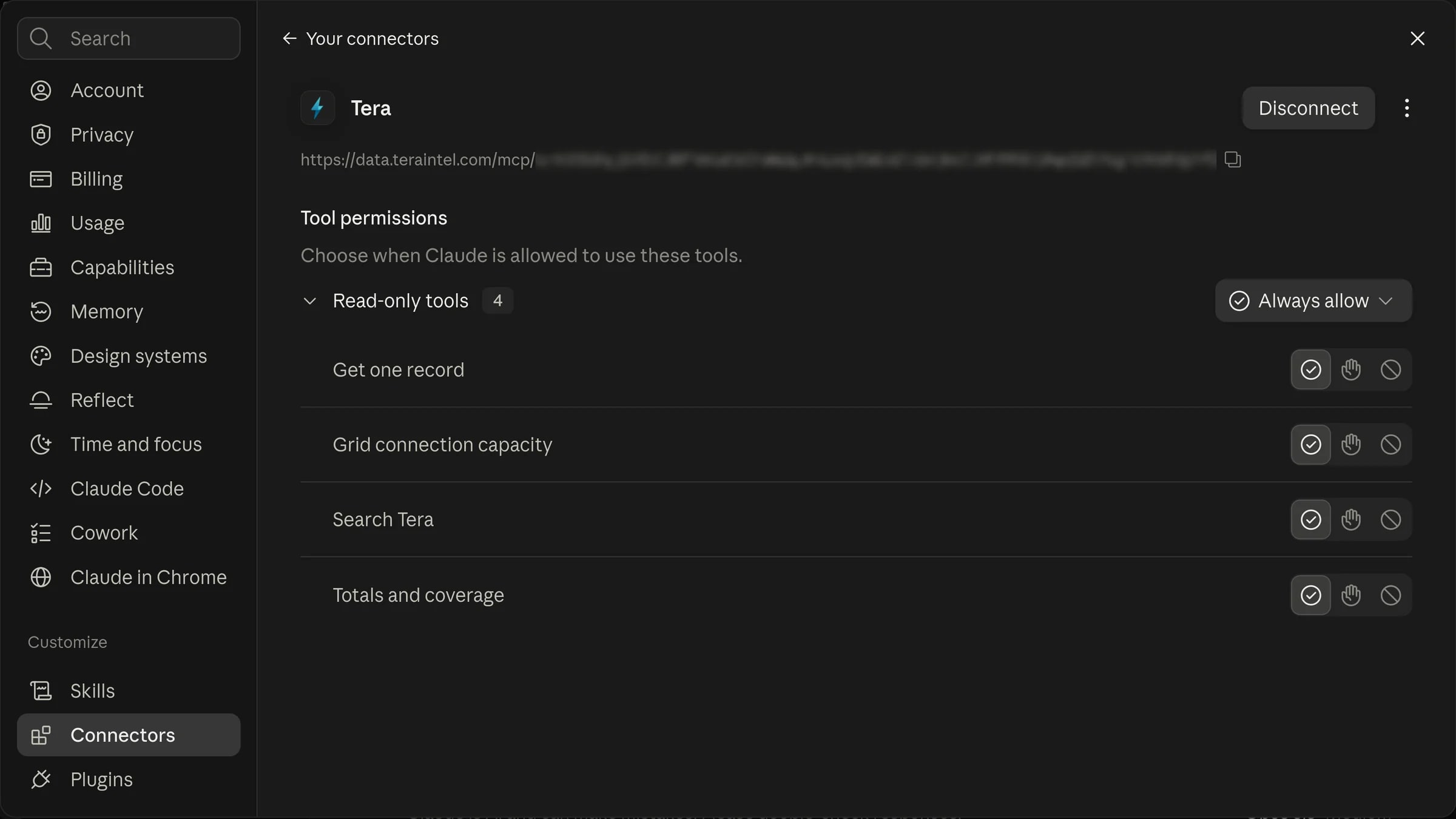
One entry in your client's MCP settings. Claude, ChatGPT, Cursor and any MCP-compatible client work, on the current protocol release and the previous one.
- 03
Ask
Your assistant discovers the tools and uses them on its own. No SDK to install, no glue code to maintain, no prompt engineering.
Client configuration
{
  "mcpServers": {
    "tera": {
      "url": "<your Tera MCP endpoint>",
      "headers": {
        "Authorization": "Bearer <your Tera API key>"
      }
    }
  }
}
Your endpoint and key are on the API & MCP page of your Tera account, which also makes the connector URL Claude.ai and ChatGPT take.
What It Can Do
Questions Your Assistant Can Answer From Tera
Shaped around the questions professionals ask, not around our database. Every answer carries its sources and a link to the record behind it.
Find assets
Power plants, substations, EV charging and data centres across 244 countries and territories. Filter by technology, status, capacity, operator or commissioning year, or search by distance from a point.
Find companies
122,208 electricity-market companies: owners, operators, developers, EPCs, manufacturers, utilities and investors, each with the asset portfolio behind it.
Find people
75,844 named individuals at electricity-market companies, with their role and employer, and whether a direct contact is on file.
Follow the relationships
Who owns an asset, who operates, built and services it, and what a company owns. Record references stay stable, so a link your team stores keeps working.
Check grid connection capacity
At substations where network operators publish it, the capacity still available for generation, demand and storage, what is already occupied and what is queued, and the operator's projections where published.
Size a market and see what Tera holds
Counts and total capacity grouped by country, status, technology, year or operator, computed over every matching record, with what Tera holds for each field shown beside the totals.
Worked Example
From a Site Question to a Shortlist
What happens when a developer asks where a 30 MW solar project can still connect to the grid.
The ask
“I need to site a 30 MW solar project in Murcia or eastern Almería. Give me the three best substations to connect it: MW available, anything queued, and the total MW of solar planned or under construction within 20 km of each. One table, then a one-line recommendation.”
Your assistant looks up
- 1
Grid connection capacity in Murcia and eastern Almería
Substations with at least 30 MW available for new solar at distribution level, with the capacity already occupied and anything queued ahead.
- 2
The upstream limit behind each substation
Which candidates share a transmission node further up the network, so the same headroom is not counted twice.
- 3
Solar planned or under construction within 20 km
The total pipeline around each candidate, summed over every matching project rather than a sample.
What comes back
A table of three 132 kV substations: Vera-Costa in Almería with 80 MW available, nothing queued and one 250 MW project planned nearby, and La Asomada and Fausita near Cartagena with 50 MW each and more solar in the pipeline around them. Then the recommendation: Vera-Costa, once the developer has checked how much of its upstream node the planned project will take.
Grid capacity comes from the grid access figures Spain's network operators publish through the CNMC, and every answer states the month the figures refer to. This example used August 2026.
Use Cases
How Teams Put It to Work
The same connector, asked different questions.
Investment & Deal Teams
Size a market by operator, then pull the top holdings with their sources, without leaving the thread where the memo is being drafted.
Development Teams
Query assets within a radius of a candidate site, with capacity, status and commissioning year, straight from the tool the site assessment is written in.
Strategy & Research
Group capacity by technology and commissioning year across markets, and see what Tera holds for a slice before you cite it.
Technology Teams
Give an internal agent or assistant a governed, metered source of power-market data without building and maintaining an integration.
Governance
Metered, Auditable, Yours
Access is metered in credits and behaves like it: bounded, logged and revocable.
Free to Start
Give Your Assistant the Power Grid
Every plan includes MCP, with a key: 5,000 credits a month on Free, 10,000 on Pro and 100,000 per user on Team, for every assistant on your team.